
Govern many repos from one place
 Optional: hand this page to your coding agentThe steps work by hand too.
Show the whole prompt
Read https://intentius.io/terragucci/guides/govern-many-repos/.
In this control repo, write terragucci.yml with the projects I name, run `npx terragucci config check`, then run the preview, `npx terragucci reconcile --config terragucci.yml`, and show me its output for each project.
Open a pull request in this control repo with the file. Print the `--mode apply` command for me to run; do not run it.
Never apply, approve (a pull request review or `terragucci approve`), override a policy denial (`terragucci override`), use `--mode apply`, or merge; never touch `.chant/allowed_signers` or `chant/lifecycle`.Result
Section titled “Result”A control repo whose terragucci.yml lists every project. One command previews each project’s pipeline and another opens a pull request in each project that changes; the projects’ own pipelines apply.
Prerequisites
Section titled “Prerequisites”| You need | Why |
|---|---|
| A repo to act as the control repo | it holds only terragucci.yml |
A token per forge that can push branches and open pull requests: GITHUB_TOKEN, GITLAB_TOKEN or FORGEJO_TOKEN, or the variable a project’s token_env names |
reconcile opens a pull request in each project |
| Projects on GitHub, GitLab or Forgejo | they can be mixed in one file |
-
List the projects.
A project is its address on the forge.
defaultsapply to every project, and a project’s own keys override them.defaults:binary: tofugate: on-destructiveprojects:github.com/acme/infra:roots: ["envs/*/*"]gitlab.example.com/platform/network:binary: terraformdrift: "17 4 * * *"codeberg.org/acme/edge: {}A repo you leave out is never touched. terragucci.yml keys lists what a project can set.
To check every project against one policy repo, put
policy.sourceunderdefaults:defaults:policy:source: git+https://github.com/acme/policy.git@v3Control repo lists what each project’s pull request carries and what the project keeps.
-
Check the file.
Terminal window npx terragucci config checkterragucci.yml: okapproval: ledger (the default) -
Preview.
Terminal window npx terragucci reconcile --config terragucci.ymlThis dry run says per project whether the pipeline would change, and prints the files and setup tips.
--project github.com/acme/infranarrows it to one project;--jsonprints one object (JSON output). -
Open the pull requests.
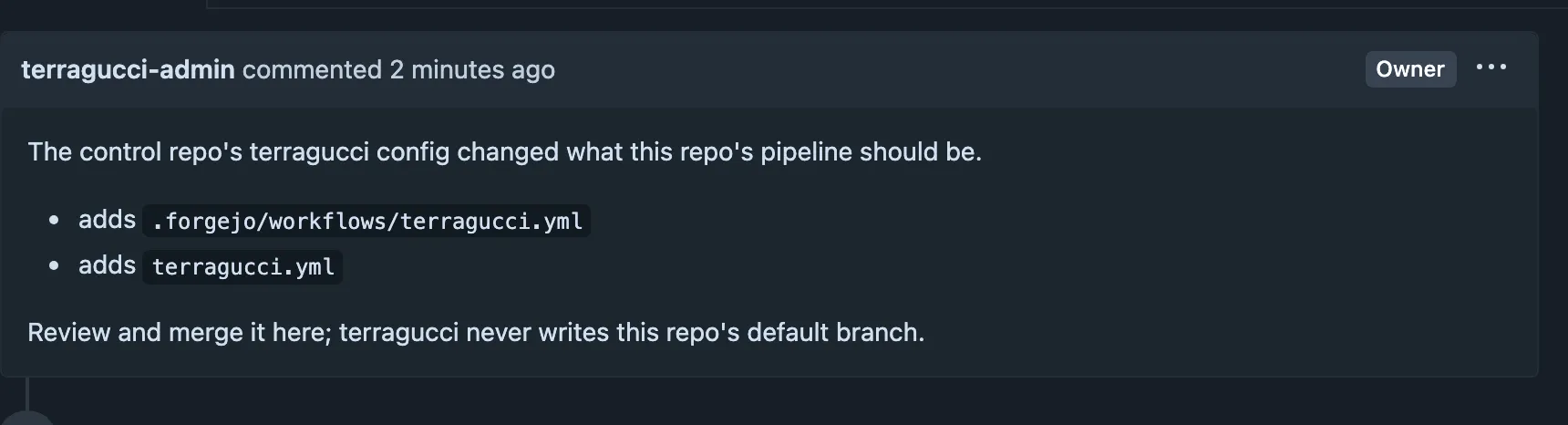
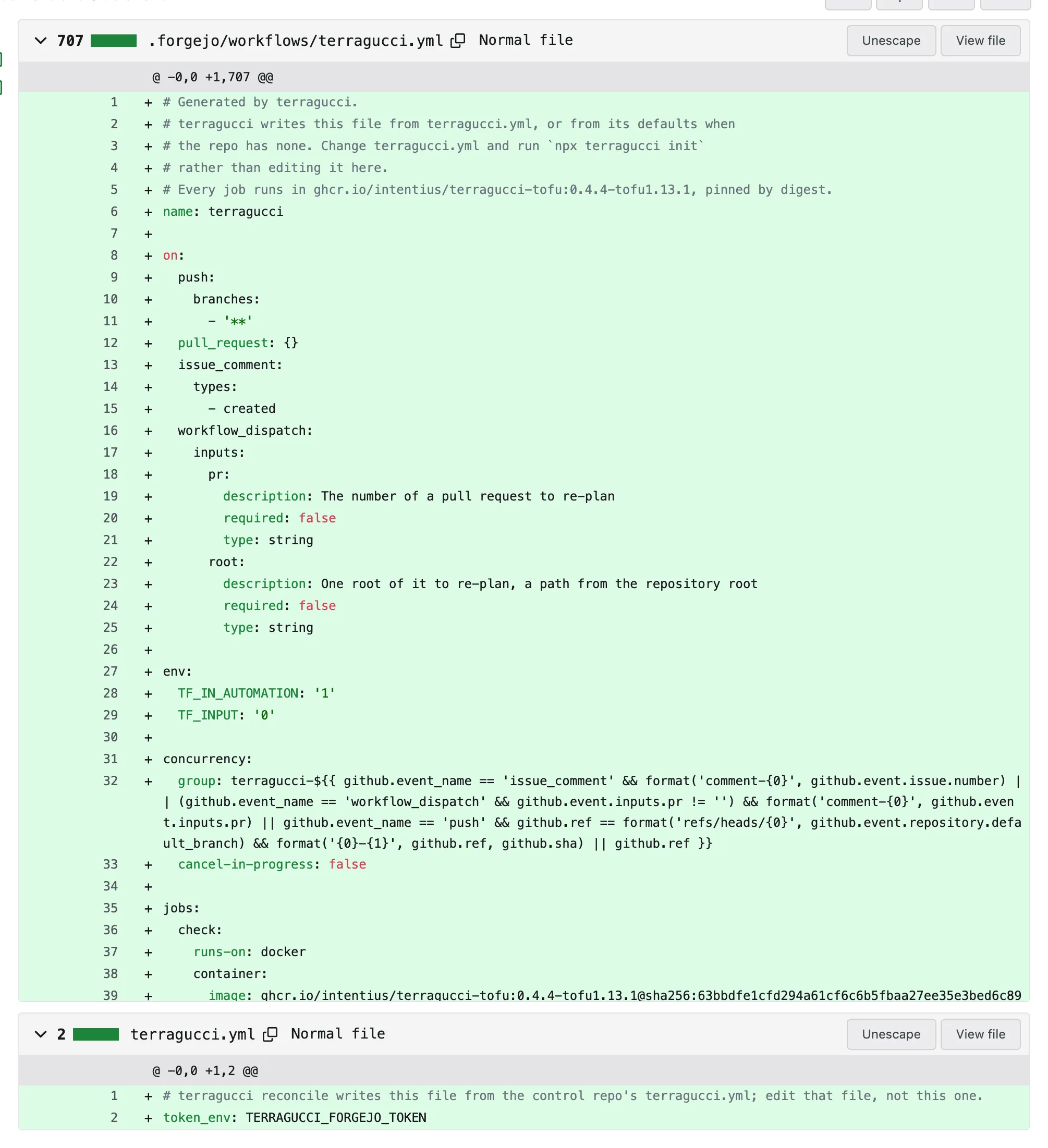
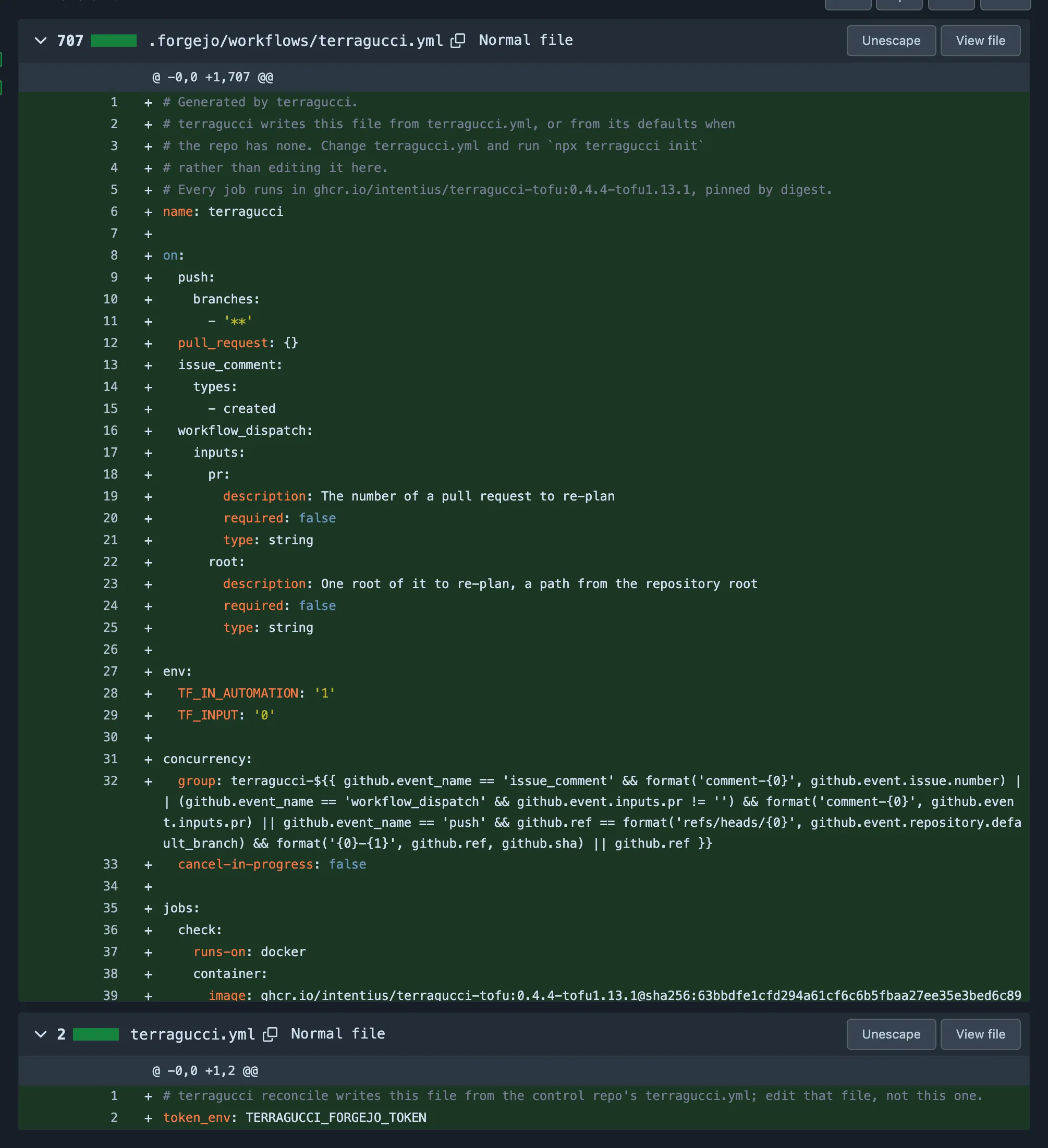
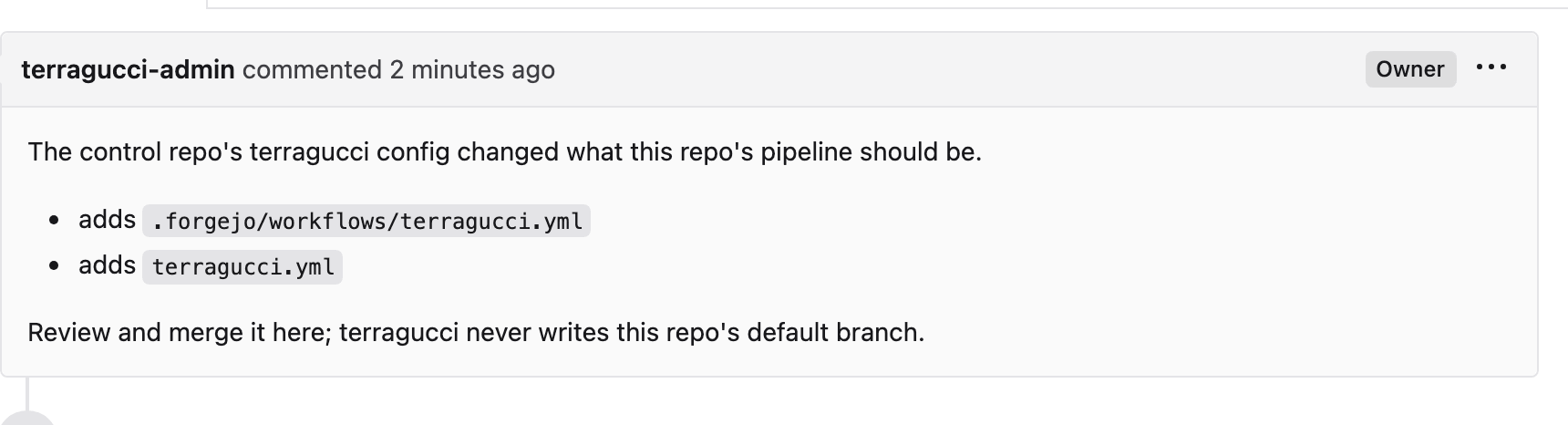
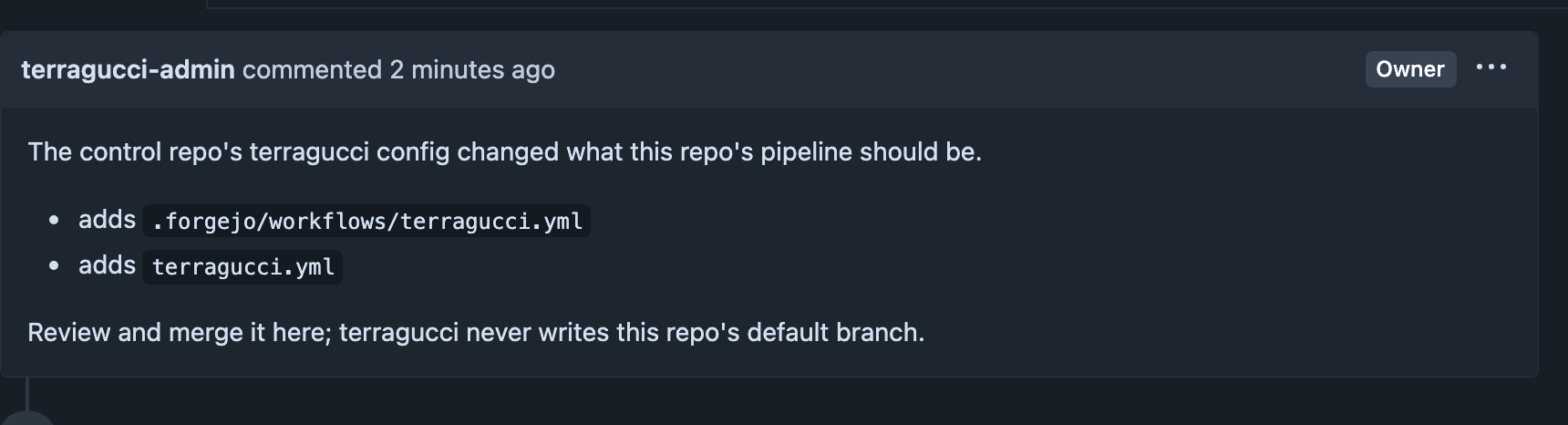
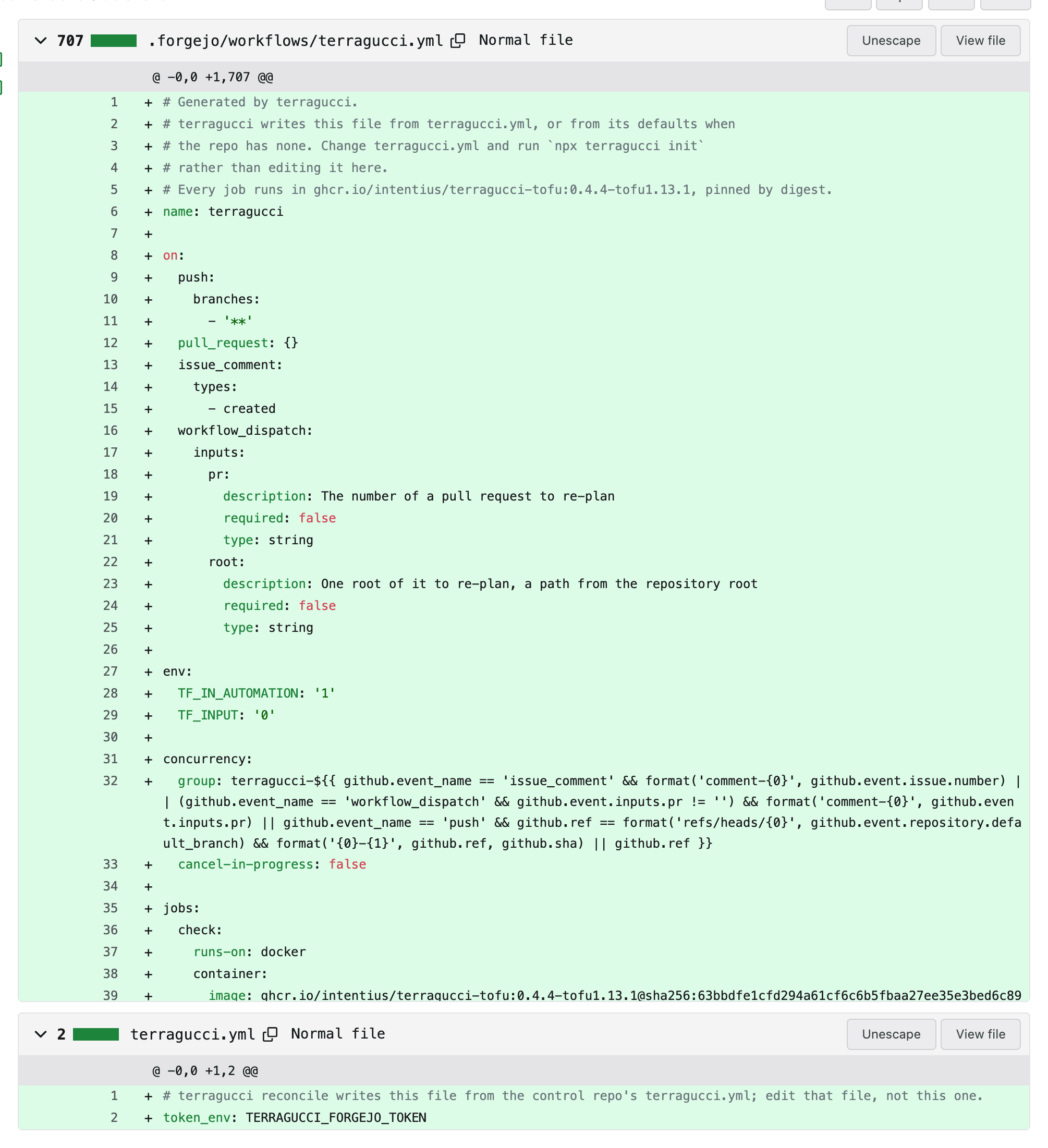
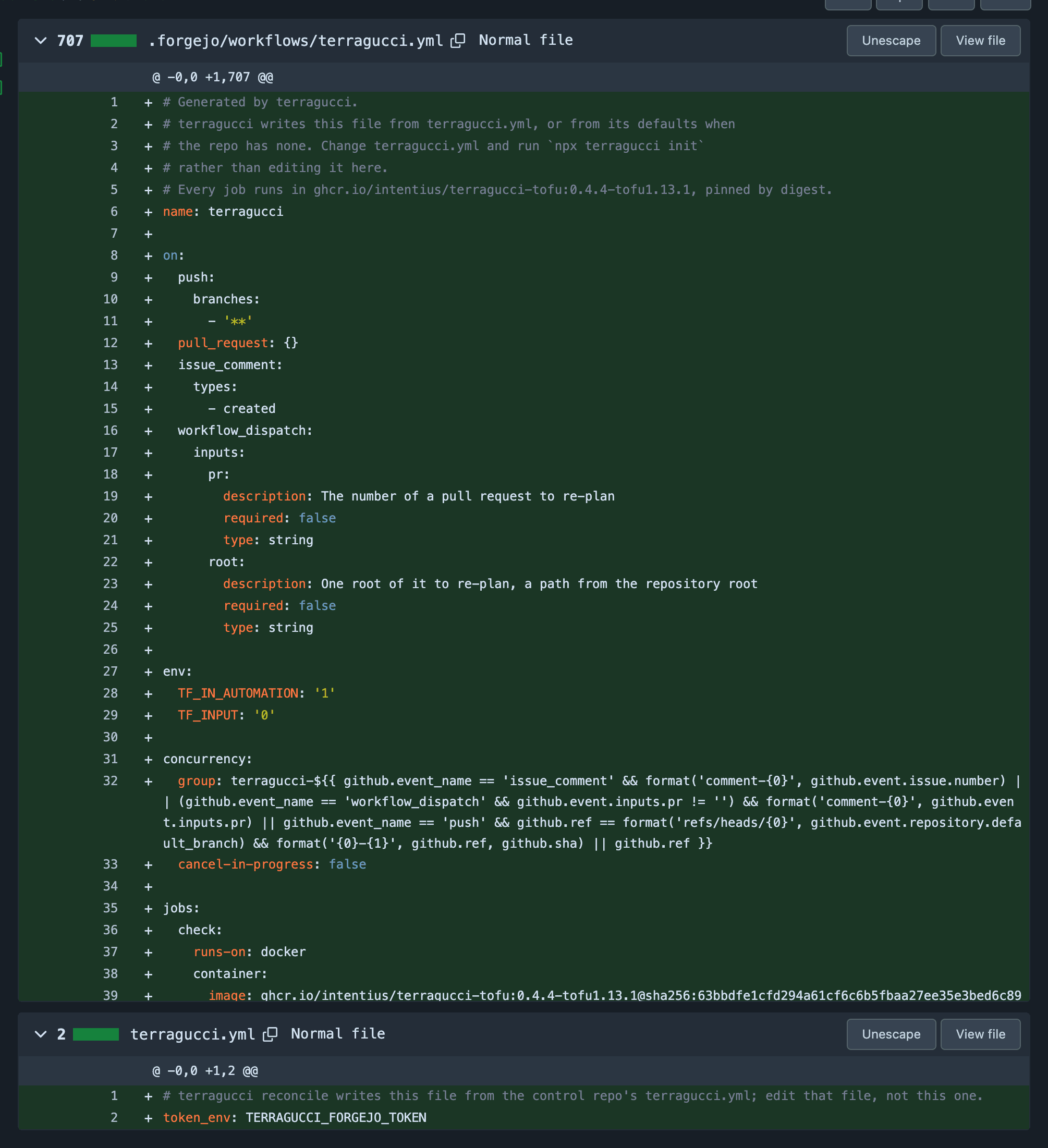
Terminal window npx terragucci reconcile --config terragucci.yml --mode applyEach project gets a pull request instead of a push to its main branch, and current projects are left alone;
--mode applyruns noterraform apply. The exit code is 1 when any project failed.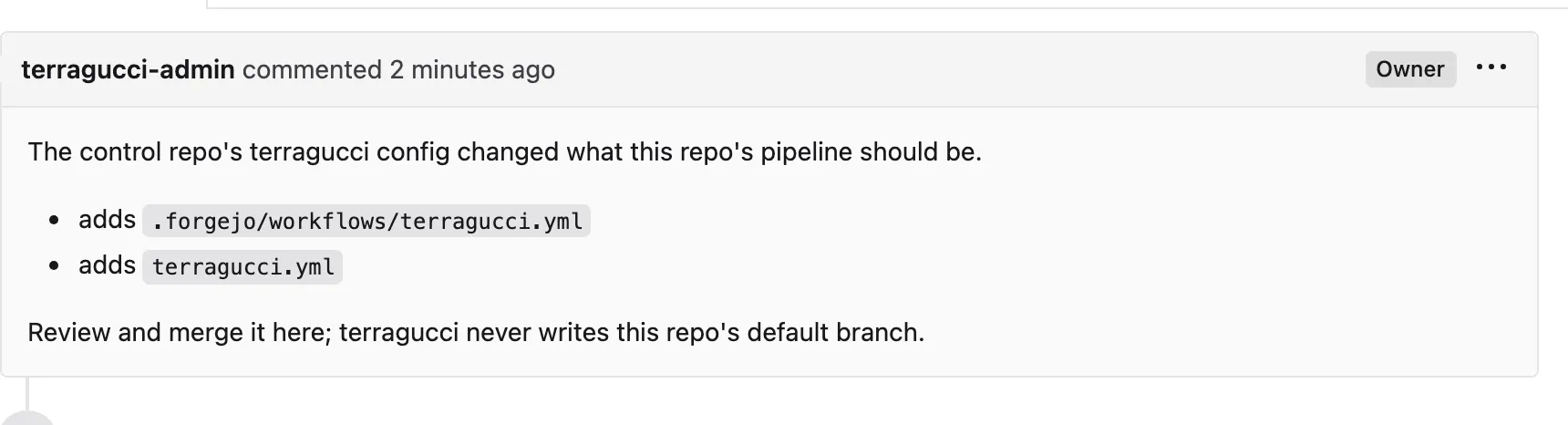
-
Merge in each project.
Each team reviews its pull request. A later
reconcile, such as after editingdefaults, opens one only where something changed.
- Roll out a new module version works across projects.
- Manage the control repo with Terraform writes
terragucci.ymlwith a provider, so a plan shows each change. - Environment variables and credentials lists the tokens.

These docs count page views and clicks with PostHog. They set no cookies, store nothing in your browser, and send nothing when your browser asks not to be tracked.