
Drift
 Optional: hand this page to your coding agentThe steps work by hand too.
Show the whole prompt
Read https://intentius.io/terragucci/tutorial/drift/.
In the terragucci clone with the example booted, run the `just example` commands on the page. Summarize what the drift issue names, and where it differs from the page.
Never apply, approve (a pull request review or `terragucci approve`), override a policy denial (`terragucci override`), use `--mode apply`, or merge; never touch `.chant/allowed_signers` or `chant/lifecycle`.Someone deletes a queue in the console.
-
The scenario deletes it through the API.
$ just example change drift deleted shop-staging-orders-jobs from floci, outside Terraform -
Run the
driftjob by hand from the Actions tab, or wait for six in the morning. Its-refresh-onlyplan of every root compares state with what exists in floci and never reads the code, so a change waiting on main is not drift. The report lists the deleted queue under deletes, inenvs/staging/ordersasmodule.service.aws_sqs_queue.jobs. -
Open the issue the job opened,
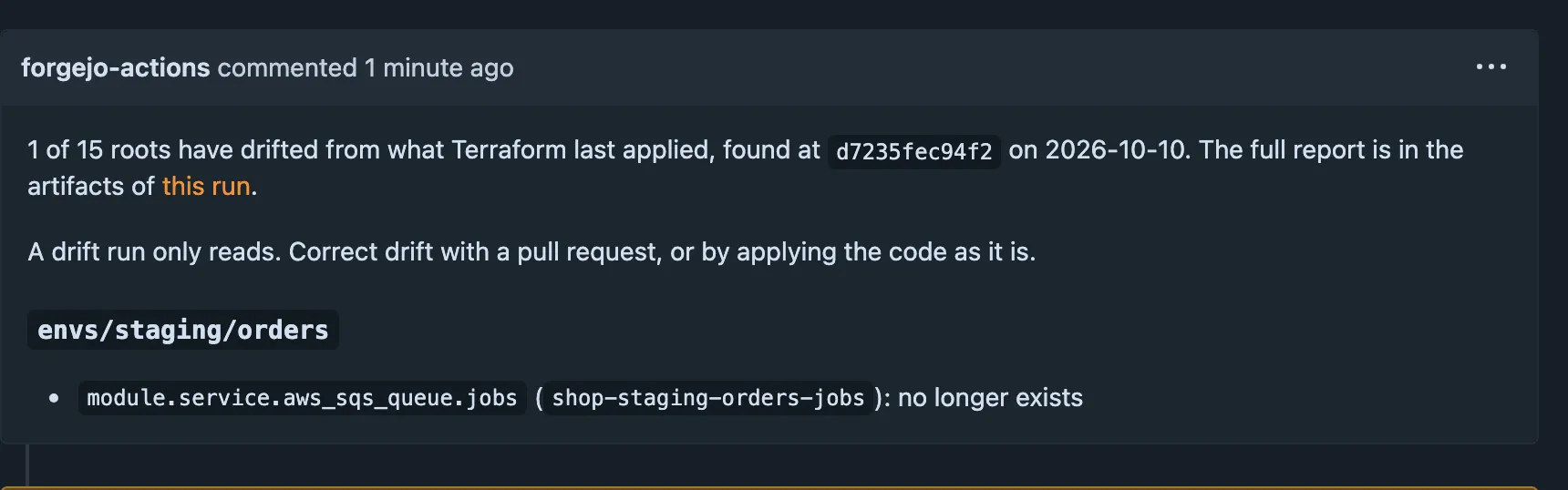
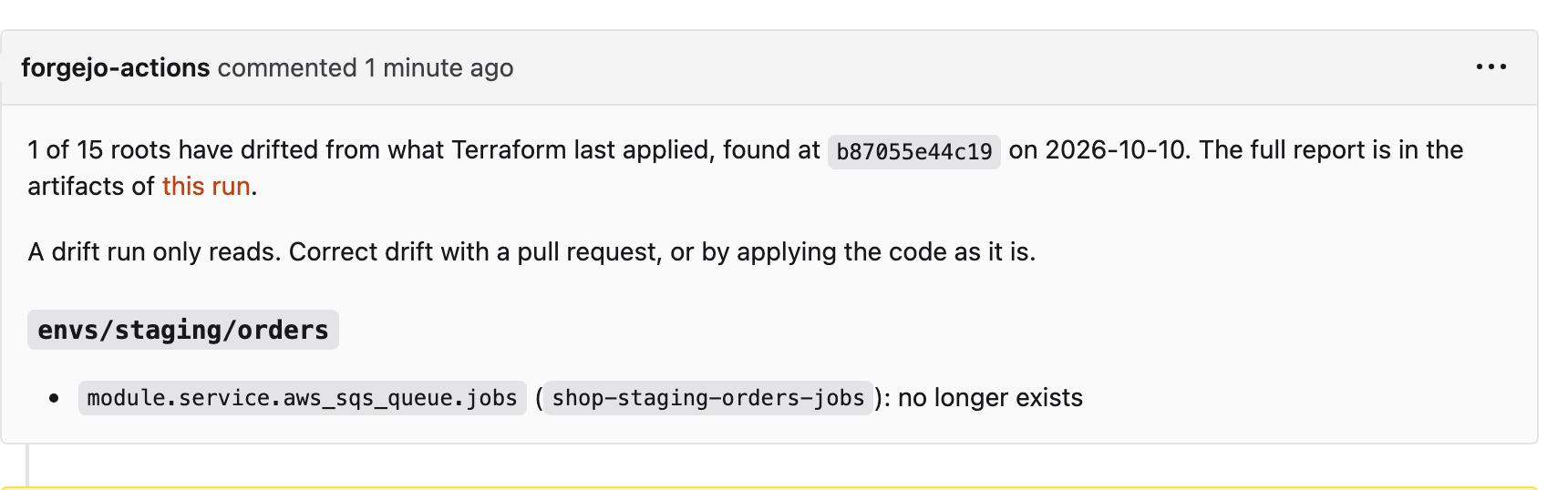
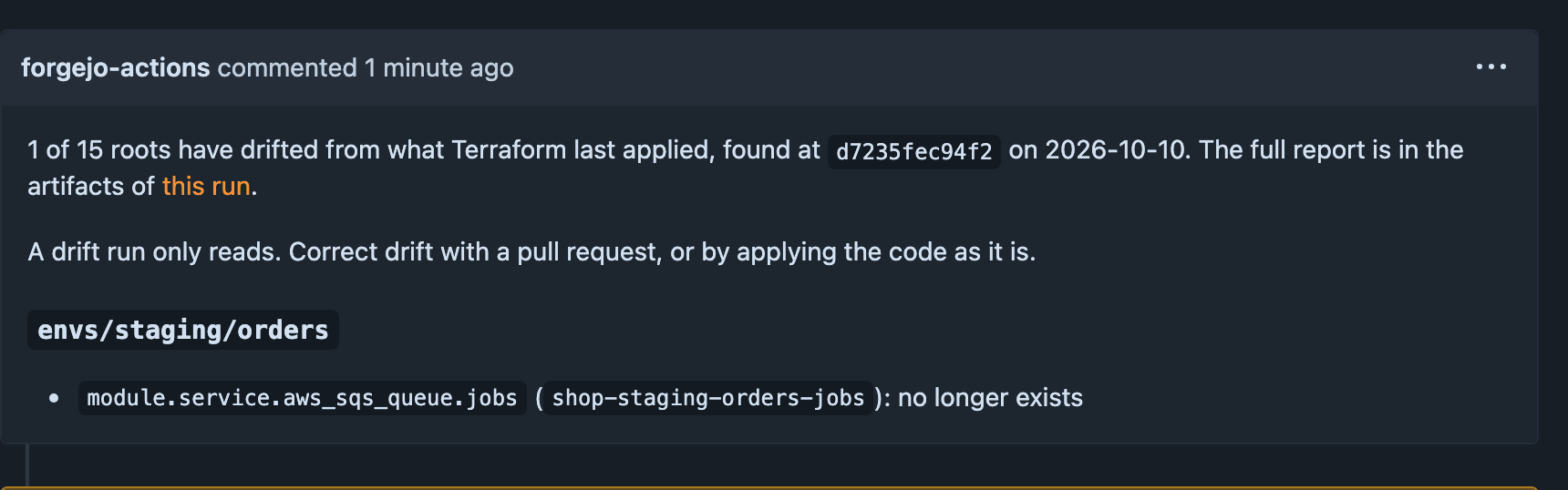
terragucci: drift found. It namesenvs/staging/ordersand the queueshop-staging-orders-jobs. A second run updates it.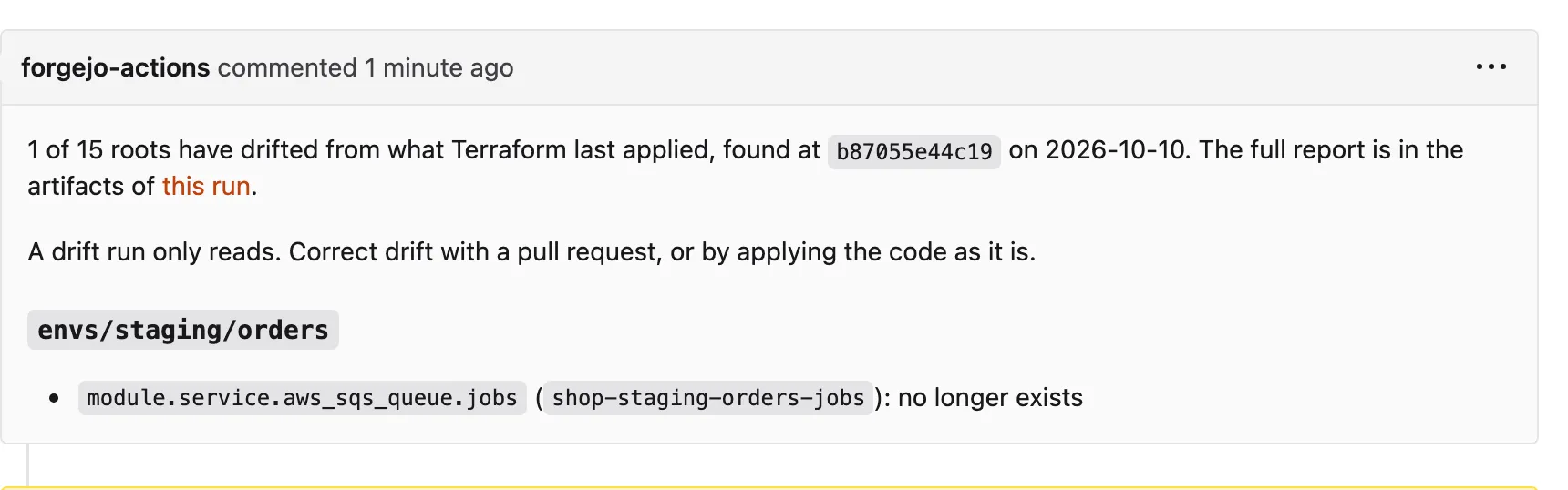
Applying the code recreates the queue, which just example reset does. The next drift run then closes the issue on AWS; on floci the tag entries keep it open.
Tutorial step 6 of 11.

These docs count page views and clicks with PostHog. They set no cookies, store nothing in your browser, and send nothing when your browser asks not to be tracked.