
The same shop on Terragrunt
 Optional: hand this page to your coding agentThe steps work by hand too.
Show the whole prompt
Read https://intentius.io/terragucci/tutorial/terragrunt/.
In the terragucci clone, run `just example-terragrunt up`, then `just example-terragrunt change module-bump` and `just example-terragrunt change new-service`. Summarize which units each plan note covers and why, and where it differs from the page.
Never apply, approve (a pull request review or `terragucci approve`), override a policy denial (`terragucci override`), use `--mode apply`, or merge; never touch `.chant/allowed_signers` or `chant/lifecycle`.The layout
Section titled “The layout”Each environment is a directory of units:
root.hcl                 state in the shop's bucket, and the AWS provider every unit gets
live/common.hcl          settings every unit reads with read_terragrunt_config
live/dev/platform        the environment's logs bucket
live/dev/orders          a service; its dependency block reads platform's outputs
modules/service          the module every service uses; it reads policy.json with file()
There is no roots: setting. On finding root.hcl init asks Terragrunt for the units and writes the pipeline, which the example already has. In your own repo run npx terragucci init at the root, and it prints:
found Terragrunt (root.hcl): 15 units in 5 waves from terragrunt find, terragrunt 1.1.6 (the image) calling tofu 1.13.1 (terragucci.yml), parallelism 16 (the s3 backend), forge forgejo (.forgejo/workflows)Each wave is one dependency layer, the dev canary’s first. Its job plans with one terragrunt run --all, and a second run --all applies the saved plans once the gate lets it.
| Wave | Units | Job |
|---|---|---|
| 1 | dev platform | apply-wave-1 |
| 2 | the four dev services, which read it | apply-wave-2 |
| 3 | staging and prod platform | apply-wave-3 |
| 4 | the staging and prod services, except prod search | apply-wave-4 |
| 5 | prod search, which goes out after prod orders | apply-wave-5 |
Under the default on-destructive gate a wave that destroys or replaces something waits for an approval of its set digest. The example’s chant.workspace.json lists the five gates, so it runs approval: sealed and each approval must be sealed.
A service plans only after its platform applied, so it reads the platform’s real outputs.
The check stage
Section titled “The check stage”The check job runs, in order:
tofu fmt -check -recursive -diff ., for the modules the units callterragrunt hcl fmt --checkterragrunt hcl validate --inputsterragucci check-pins, which checks each unit’sterraform { source }whenmodules.require: attestedis setterragucci check-policy, which runs the policy’s tests whenpolicyis set
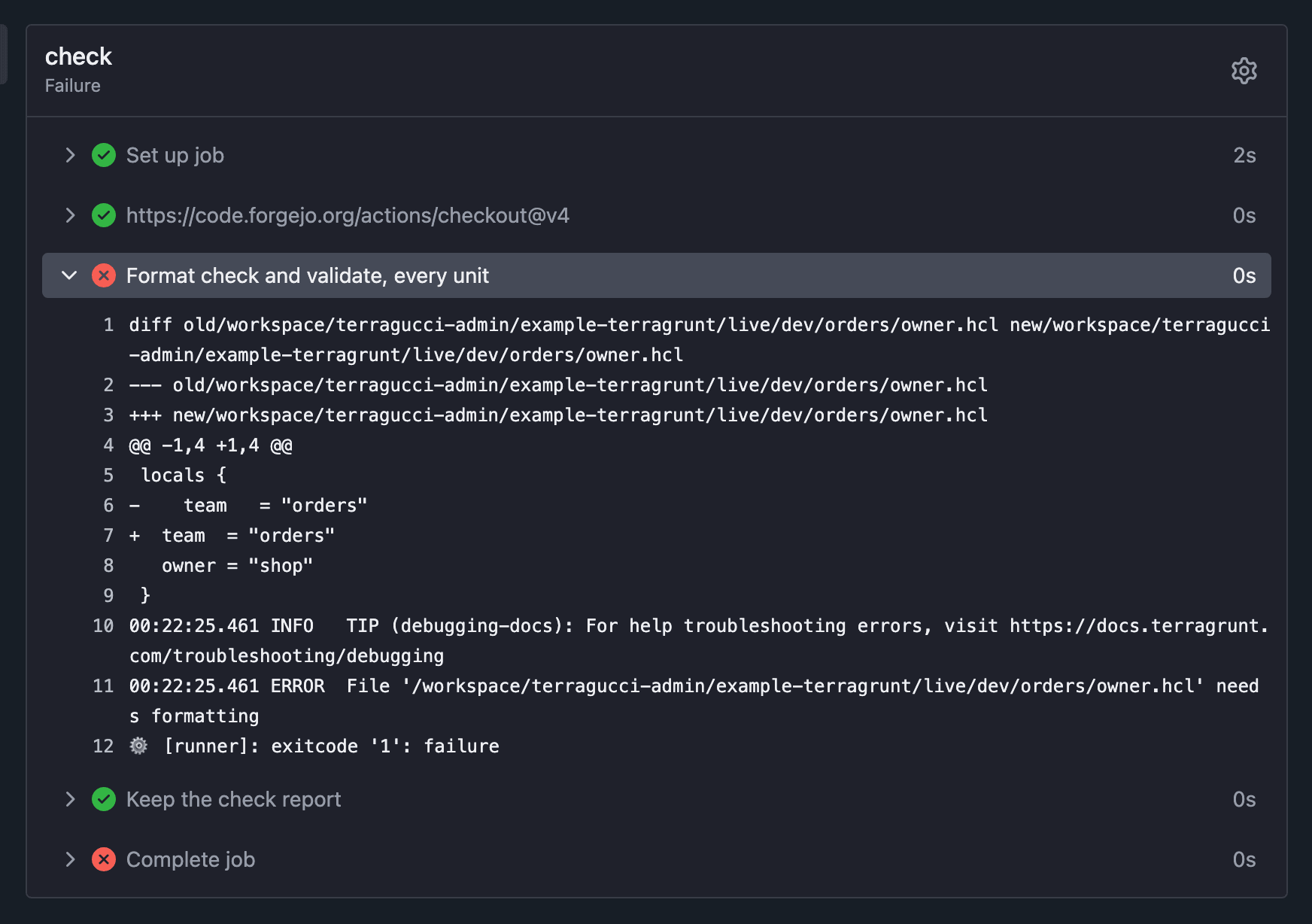
An unformatted .hcl file fails the job by name:
just example-terragrunt change unformatted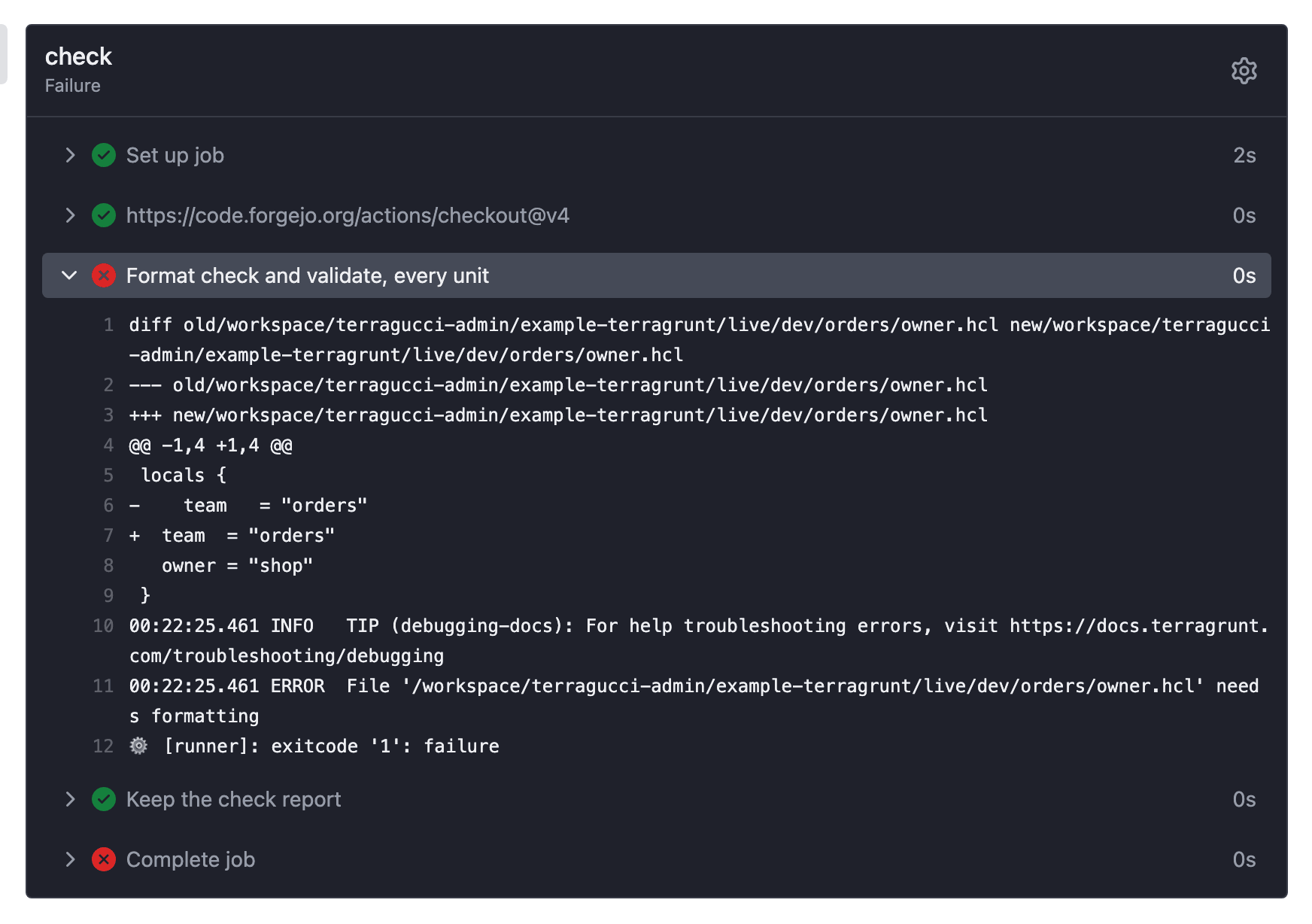
A file Terragrunt does not see
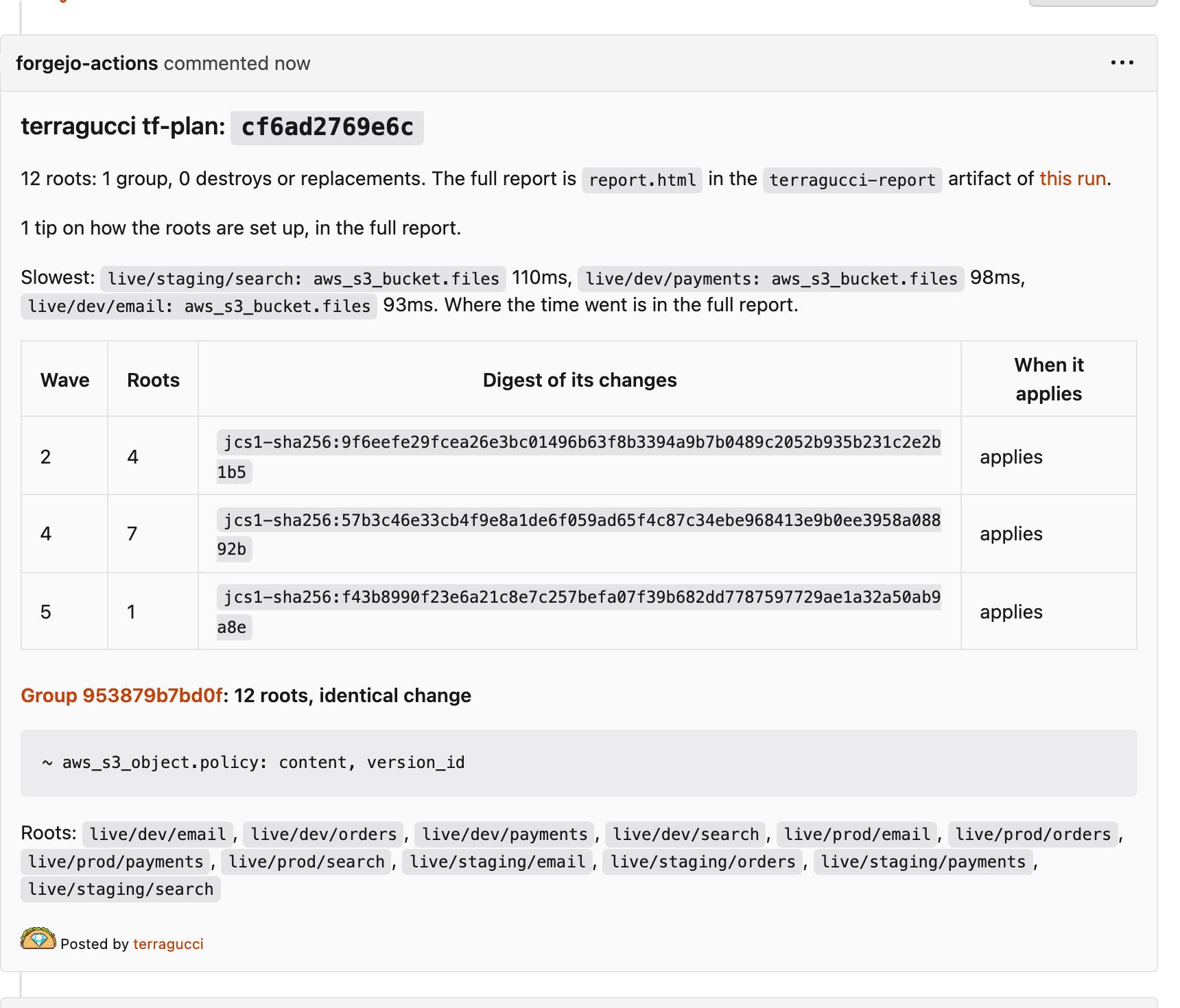
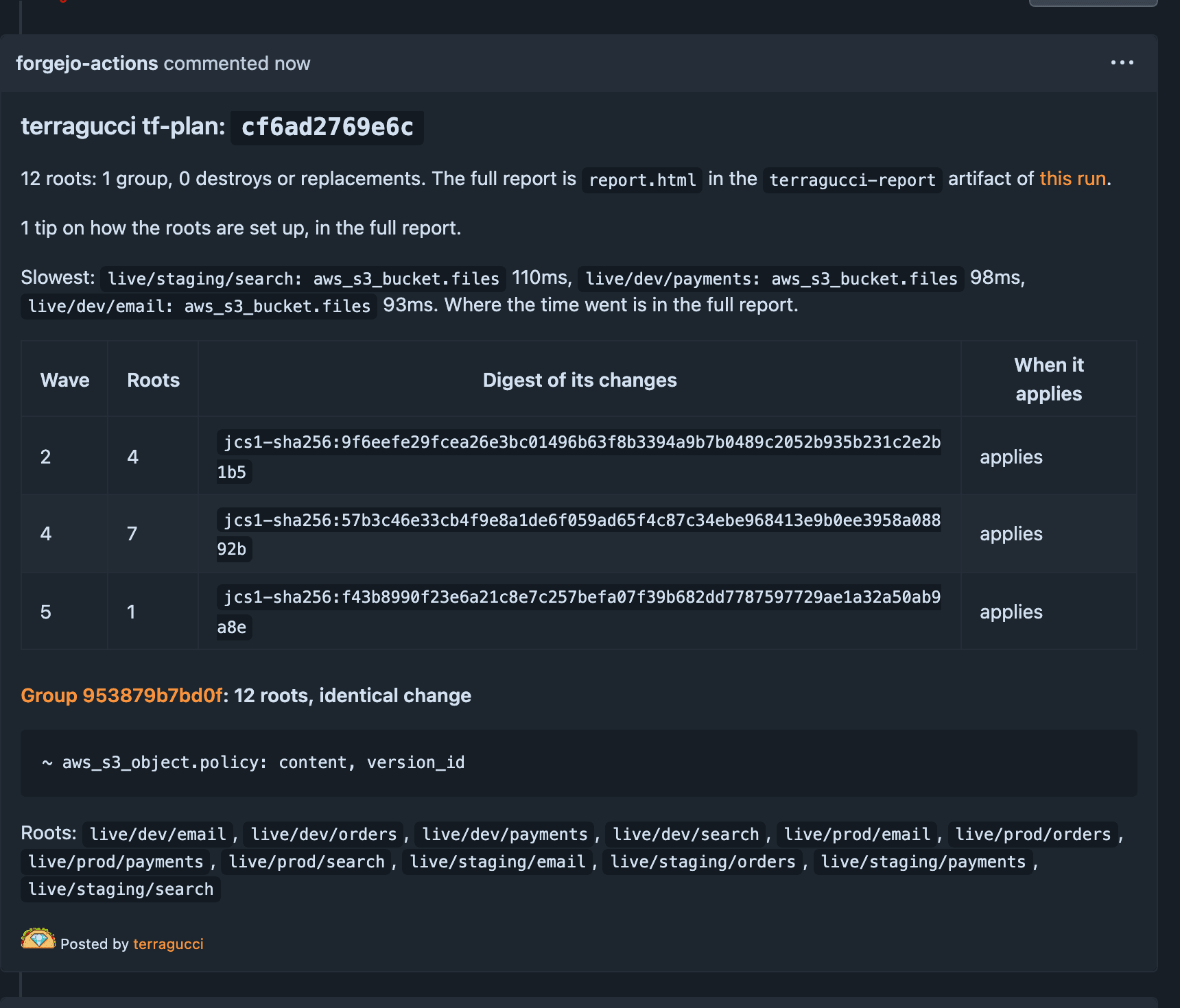
Section titled “A file Terragrunt does not see”modules/service reads policy.json with file(), which Terragrunt’s change detection does not follow. terragucci adds the units it reaches, and says why:
just example-terragrunt change module-bumpThe plan covers the 12 service units and none of the platforms. Each unit in the report names modules/service/policy.json as its reason.
A new unit and its upstream, in one change
Section titled “A new unit and its upstream, in one change”The new-service scenario adds ledger, which makes a bucket, and billing, which reads the bucket’s name from it. Ledger has no outputs yet, so Terragrunt on its own would hand billing its mock_outputs.
just example-terragrunt change new-serviceThe plan job plans ledger, then plans billing on the bucket name from ledger’s plan, shop-tg-dev-ledger; the note lists billing as planned on ledger’s planned outputs. After the merge ledger applies in wave 1 and billing plans again in wave 2 on its real outputs.
Billing’s dependency block has no allow-list, so its mocks could stand in for apply. The report’s tips name it TF041, as for live/prod/email.
Explicit stacks
Section titled “Explicit stacks”The example’s units are each in their own directory. A repo whose units come from a terragrunt.stack.hcl gets the same pipeline: every job runs terragrunt stack generate first, and the generated units take their waves from their dependency blocks. Explicit stacks lists what each stage does with them.
Credentials
Section titled “Credentials”Map a plan role and an apply role by path; a unit that sets its own iam_role keeps it:
terragrunt:
  credentials:
    "live/prod/**": { plan: arn:aws:iam::111122223333:role/prod-plan, apply: arn:aws:iam::111122223333:role/prod-apply }
The generated pipeline has the details.
Tutorial step 10 of 11.

These docs count page views and clicks with PostHog. They set no cookies, store nothing in your browser, and send nothing when your browser asks not to be tracked.