
Write a policy
 Optional: hand this page to your coding agentThe steps work by hand too.
Show the whole prompt
Read https://intentius.io/terragucci/guides/write-a-policy/.
Write a Rego rule under the policy directory that denies the case I name, with a test, run `conftest verify --policy policy`,
add the `policy:` key to terragucci.yml, run `npx terragucci config check --json` and `npx terragucci init`, and open a pull request.
Never apply, approve (a pull request review or `terragucci approve`), override a policy denial (`terragucci override`), use `--mode apply`, or merge; never touch `.chant/allowed_signers` or `chant/lifecycle`.Result
Section titled “Result”A rule in your repo that fails tf-plan for each root whose plan it denies, names the denial in the plan note, and keeps a denied wave from applying.
Prerequisites
Section titled “Prerequisites”| You need | Why |
|---|---|
| The pipeline from Get your first plan note | the plan, check and apply jobs run the policy |
| conftest on your machine, to run the tests before you push | the jobs download the engine themselves |
-
Write the rule in
policy/. It reads one root’s plan,show -json, asinput:policy/sqs.rego package mainimport rego.v1deny_long_retention contains msg if {some rc in input.resource_changesrc.type == "aws_sqs_queue"rc.change.after.message_retention_seconds > 345600msg := sprintf("%s keeps messages longer than four days", [rc.address])}deny,violationand anydeny_<name>fail the root;warnonly warns. Policy lists the rules and the input. -
Test it beside the rule and run the tests:
policy/sqs_test.rego package mainimport rego.v1test_denies_a_week if {count(deny_long_retention) == 1 with input as {"resource_changes": [{"address": "aws_sqs_queue.jobs", "type": "aws_sqs_queue", "change": {"after": {"message_retention_seconds": 604800}}}]}}Terminal window conftest verify --policy policytf-checkruns the same tests on the default branch’s policy and fails on a failing one. -
Turn policy on in
terragucci.yml:policy:engine: conftestpath: policy -
Check the file and write the pipeline again:
Terminal window npx terragucci config checknpx terragucci init -
Open a pull request with the rule, its test, the key and the pipeline, and merge it.
A pull request is checked against the
policykey and directory on its base branch. Until they merge, a change that edits or deletes the policy cannot loosen it. -
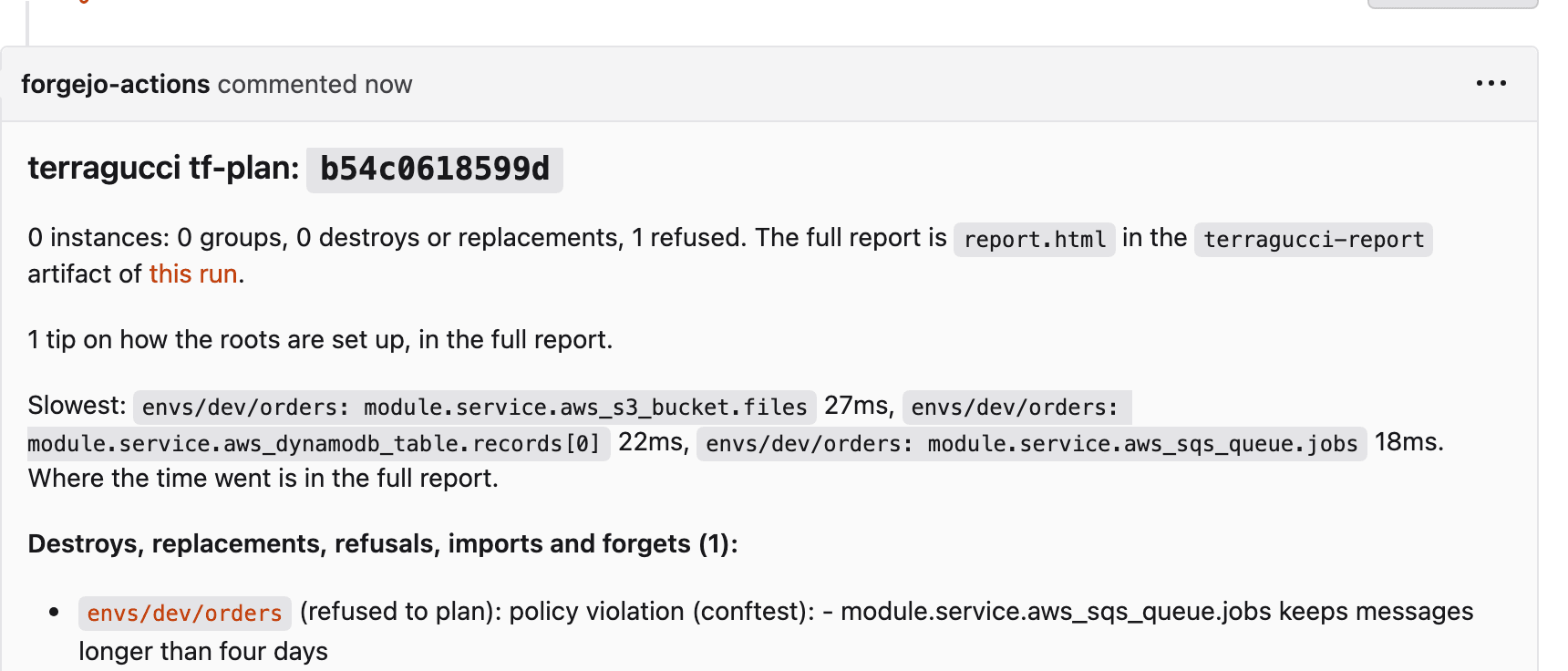
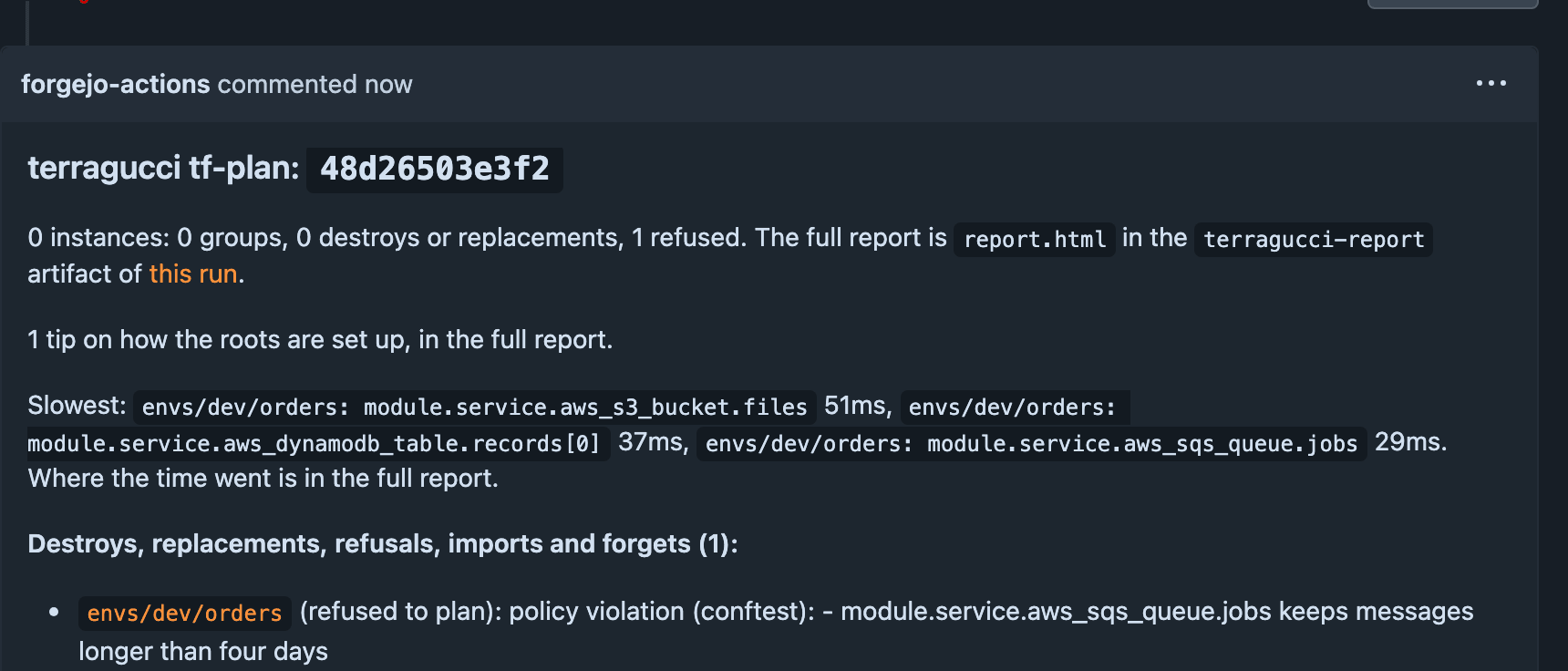
Open a pull request with a change the rule denies. The plan job fails, and the note names the root and the denial:
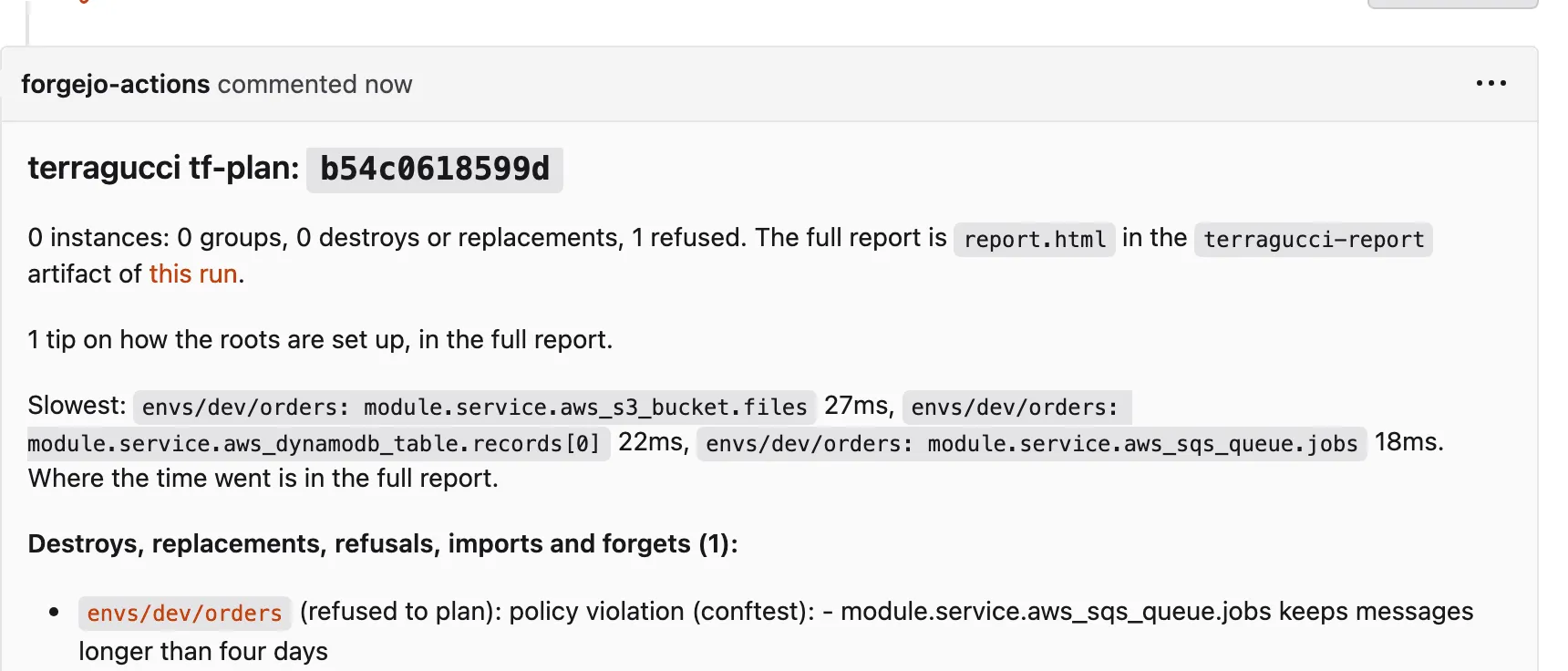
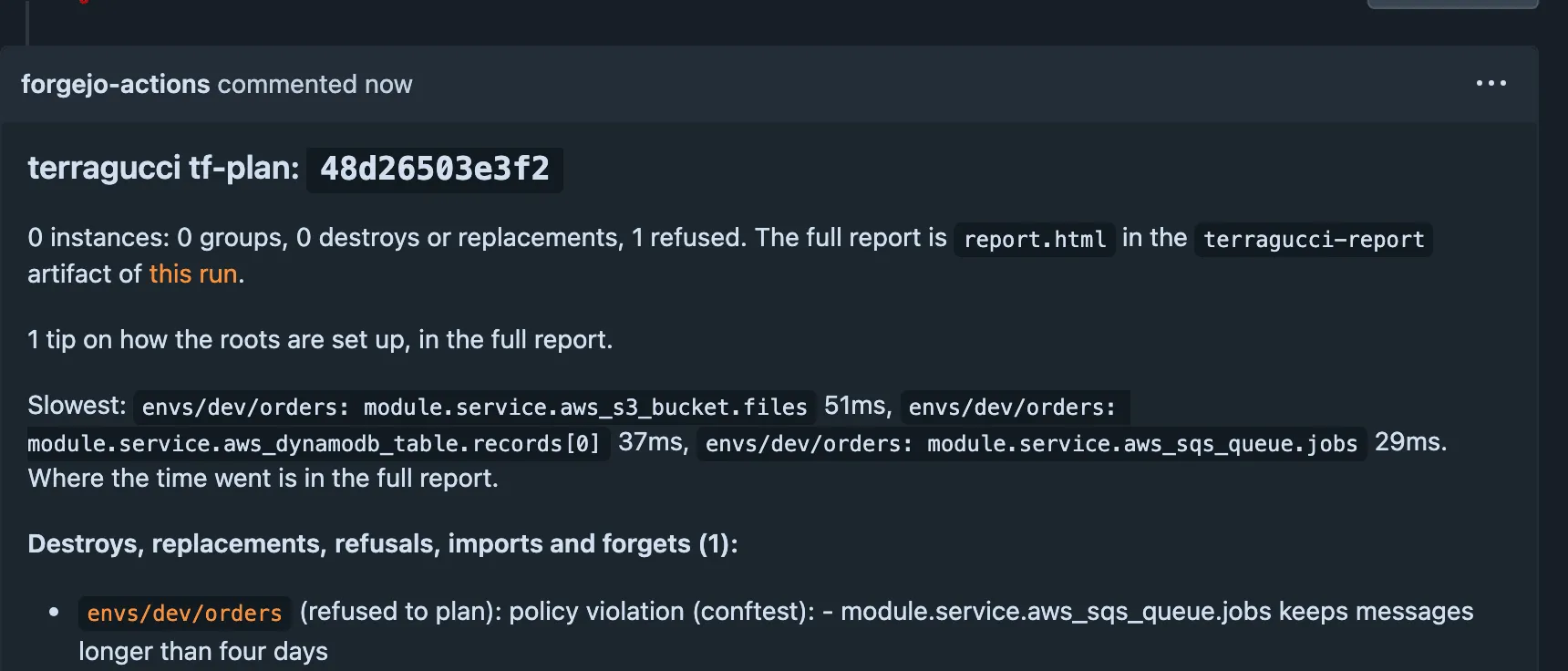
The denial and its rule id, such as
main.deny_long_retention, are inroots[].policyof the report. A sensitive value in a message is redacted before it reaches the note or the log. -
Clear the denial. Change the code until the rule passes, or change the rule in a pull request your reviewers approve and merge.
Override a denial
Section titled “Override a denial”When a denied plan has to go out, a person you list can let that one plan through tf-apply. Name them at base:
policy:
  engine: conftest
  path: policy
override: [github:alice, github:bob]The wave records the denial and prints a terragucci override command for the root. Override a policy denial has the steps, and Overriding a denial what an override binds. tf-plan still fails the root; the override counts only in the apply wave, and only for that plan and those rules.
- Policy has a shared policy source,
opa, HCP Terraform policy sets, cost and review input. - The audit trail keeps every override with its reason.

These docs count page views and clicks with PostHog. They set no cookies, store nothing in your browser, and send nothing when your browser asks not to be tracked.