
Publishing and pinning modules
 Optional: hand this page to your coding agentThe steps work by hand too.
Show the whole prompt
Read https://intentius.io/terragucci/tutorial/modules/.
In the terragucci clone with the example booted, run `just example change pin` and summarize the rollout pull request it opens: the roots it covers and the `ref` each moves.
`just example change pin` runs the rollout against the local Forgejo, which opens that pull request; that is the one exception to the line below.
Then stop and print the page's merge and `just example rollout` commands for me. Never merge the rollout pull request.
Never apply, approve (a pull request review or `terragucci approve`), override a policy denial (`terragucci override`), use `--mode apply`, or merge; never touch `.chant/allowed_signers` or `chant/lifecycle`.When roots pin a published version, a module change reaches no root until a pin moves. tf-publish publishes a module version, and tf-rollout moves the pins with one pull request per wave.
-
Run the scenario:
Terminal window just example change pinIt tags
modules/serviceat1.0.0withtf-publishand pins the twelve service roots to that tag on main. The changed module then goes out as1.1.0, andterragucci rollout modules/service --mode applyruns. Hereapplymeans opening the pull request; noterraform applyruns until it merges.$ just example change pin service 1.0.0: published to git-tags sha256:d2162ff6868b8a068314199b1697772bfd5d43dbc1cc8be3d7244dc05b03bdb1 [pin] main pins the service roots to modules/service 1.0.0; the pipeline applies them service 1.1.0: published to git-tags sha256:ae02f0e19f72634d94fe7828396cc4ebcc6ec4fdd6dc4871be48d3d3156428e7 modules/service 1.0.0 -> 1.1.0 (newest published: tag modules/service/v1.1.0): opened wave 1 (canaries) pull request opened http://forgejo:3000/terragucci-admin/example/pulls/6 roots: envs/dev/email, envs/dev/orders, envs/dev/payments, envs/dev/search files: envs/dev/email/main.tf, envs/dev/orders/main.tf, envs/dev/payments/main.tf, envs/dev/search/main.tf wave 2 not opened roots: envs/prod/email, envs/prod/orders, envs/prod/payments, envs/prod/search, envs/staging/email, envs/staging/orders, envs/staging/payments, envs/staging/search Pull request http://localhost:3300/terragucci-admin/example/pulls/6 Pipeline http://localhost:3300/terragucci-admin/example/actions/runs/19/jobs/0/attempt/1 (success) -
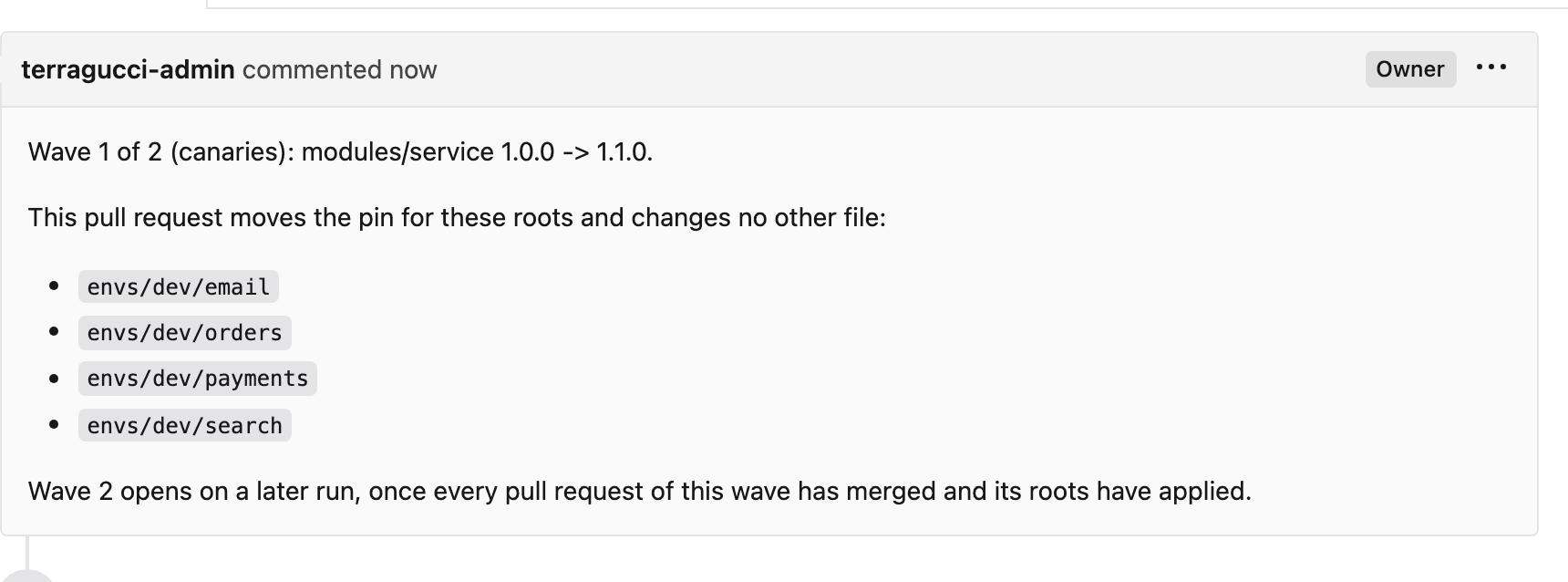
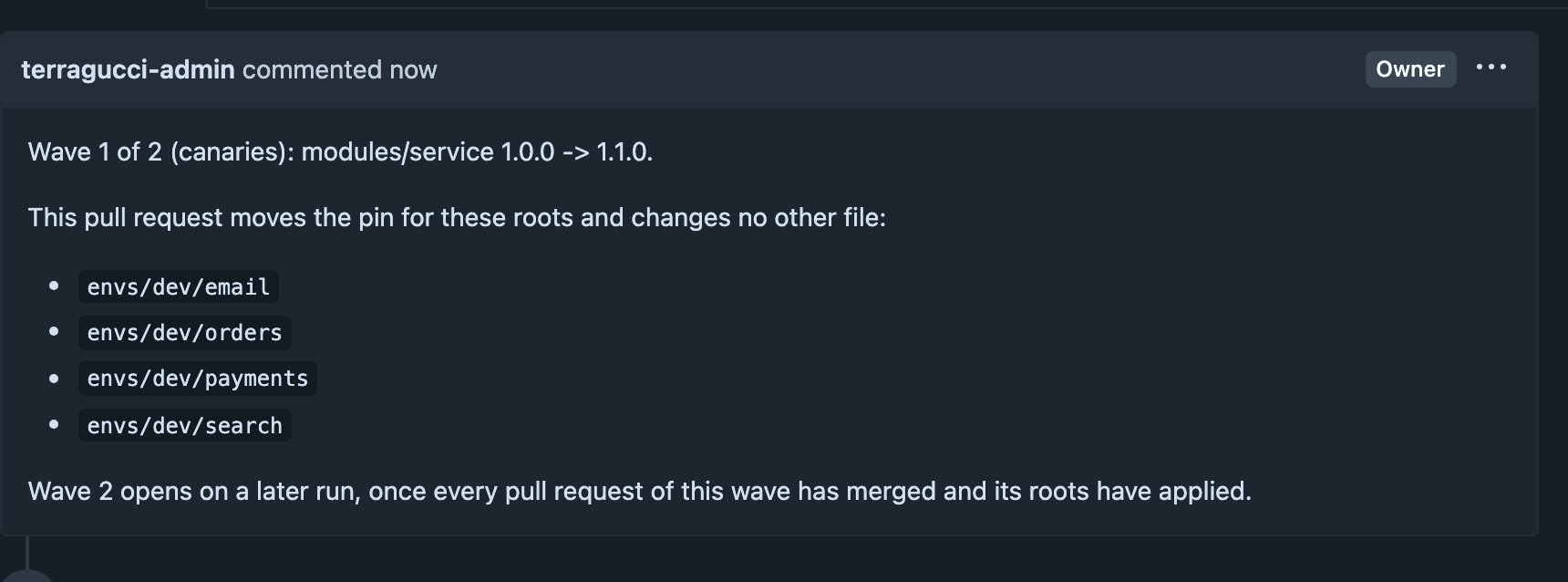
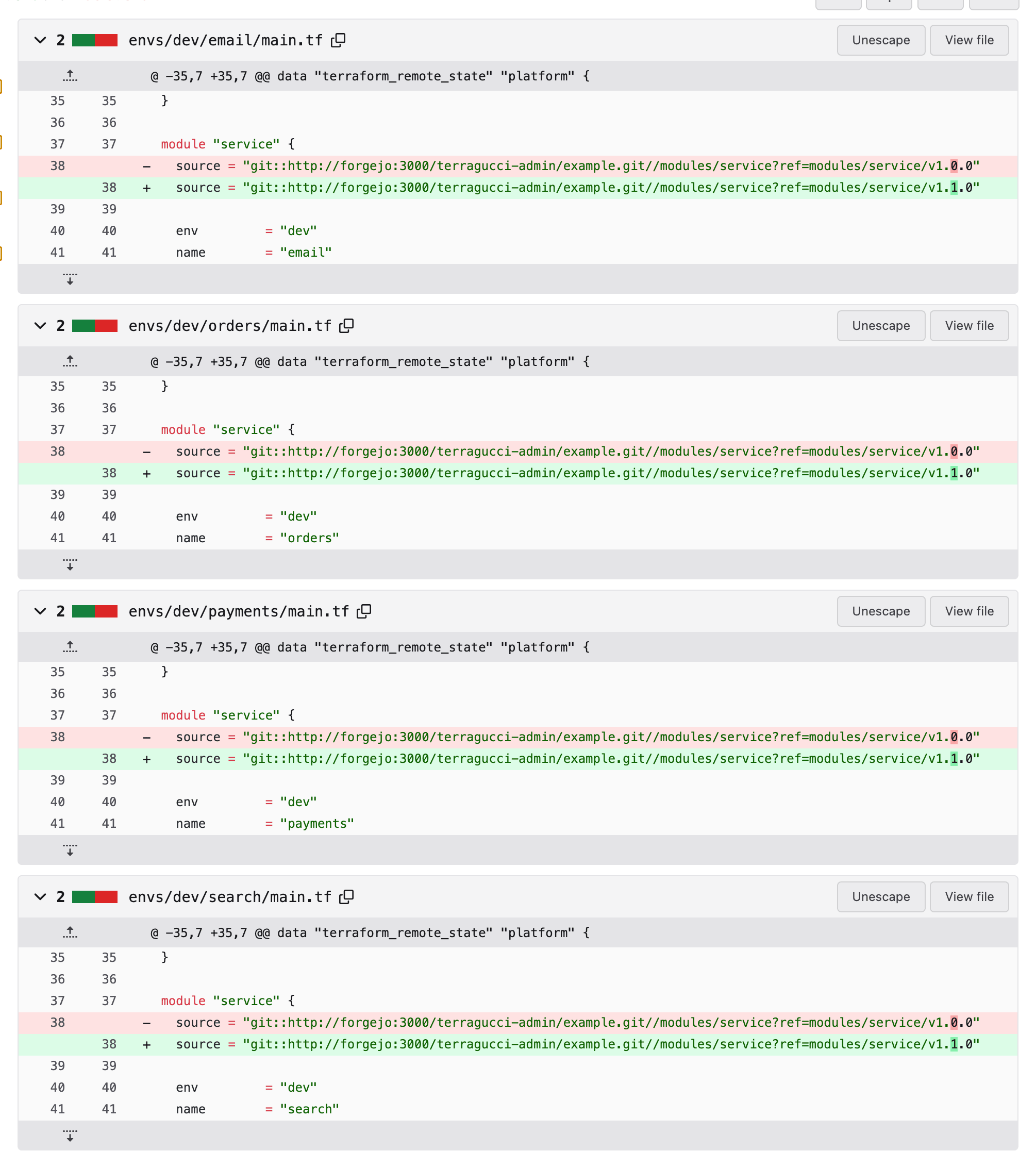
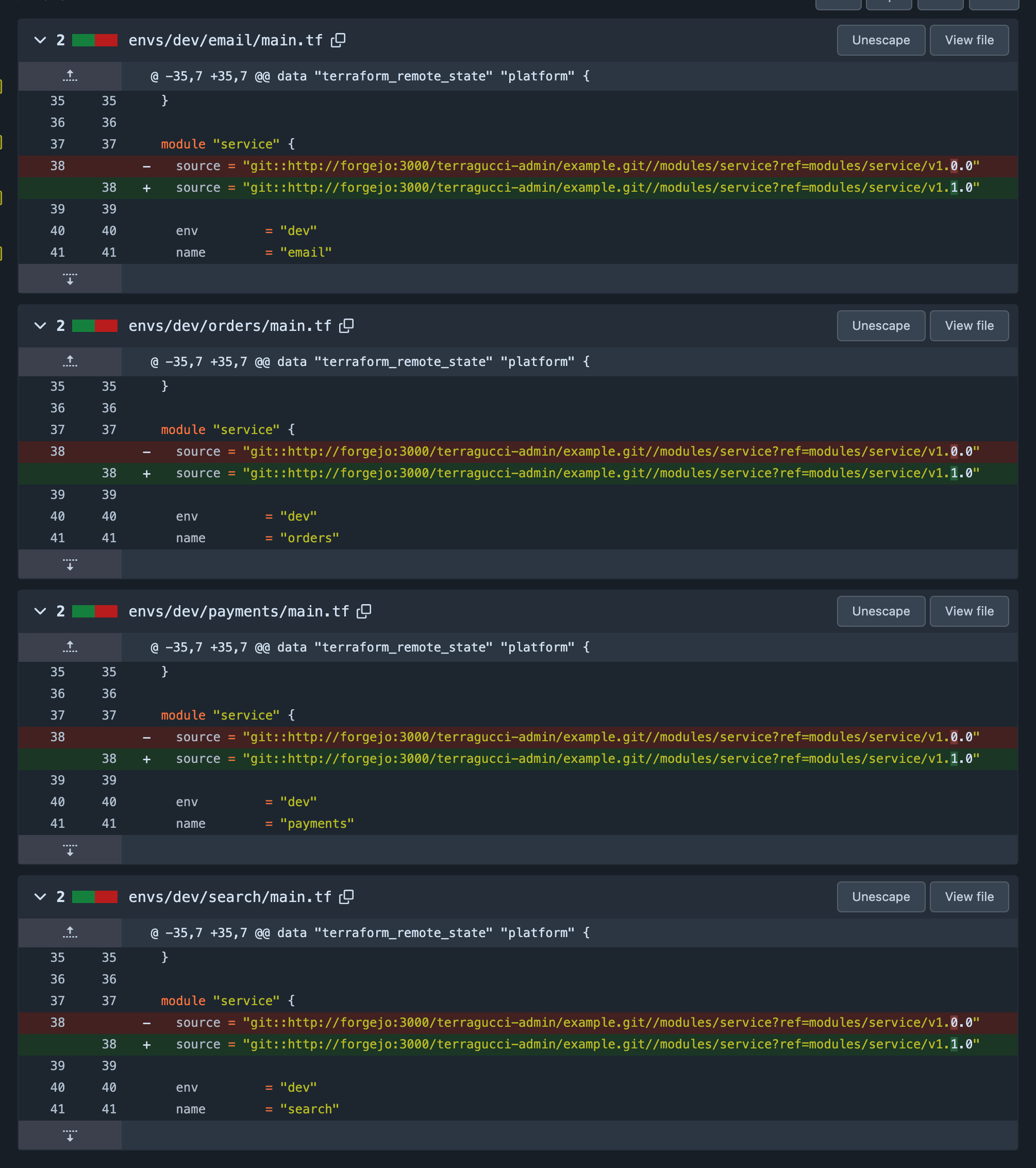
Read the canary wave’s pull request, for the four dev services. The rollout took the newest version and moved each of their pins:
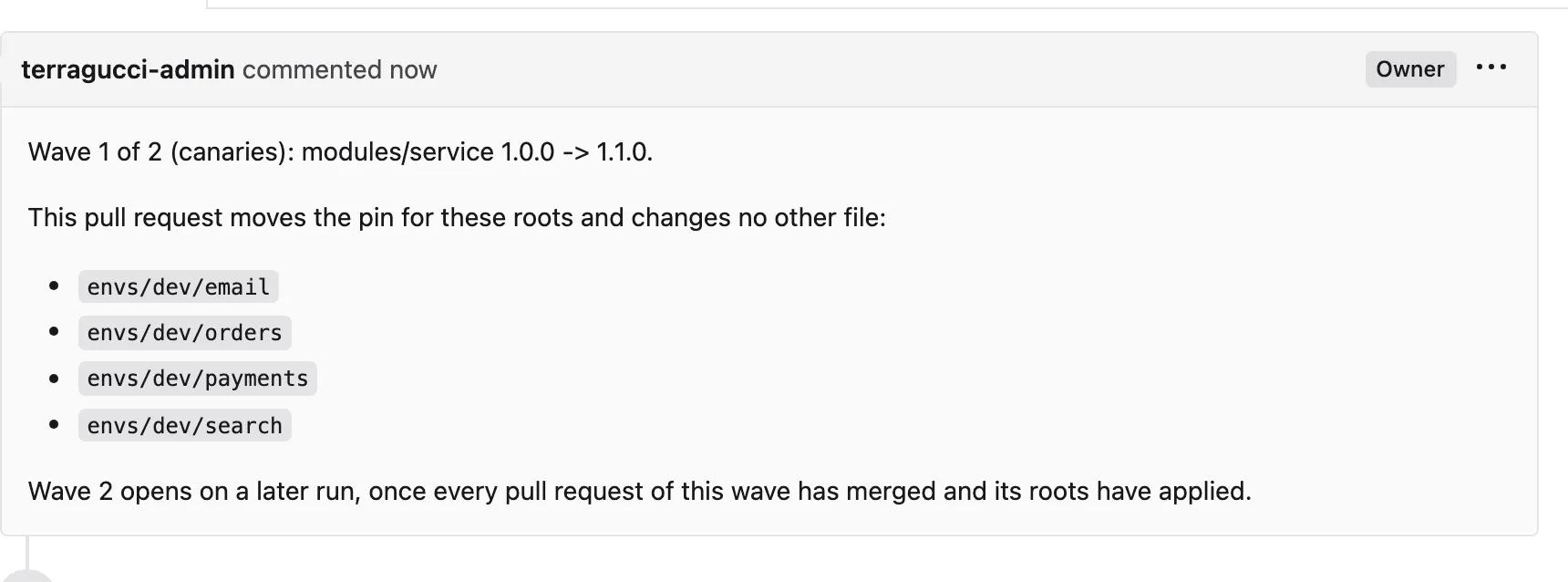
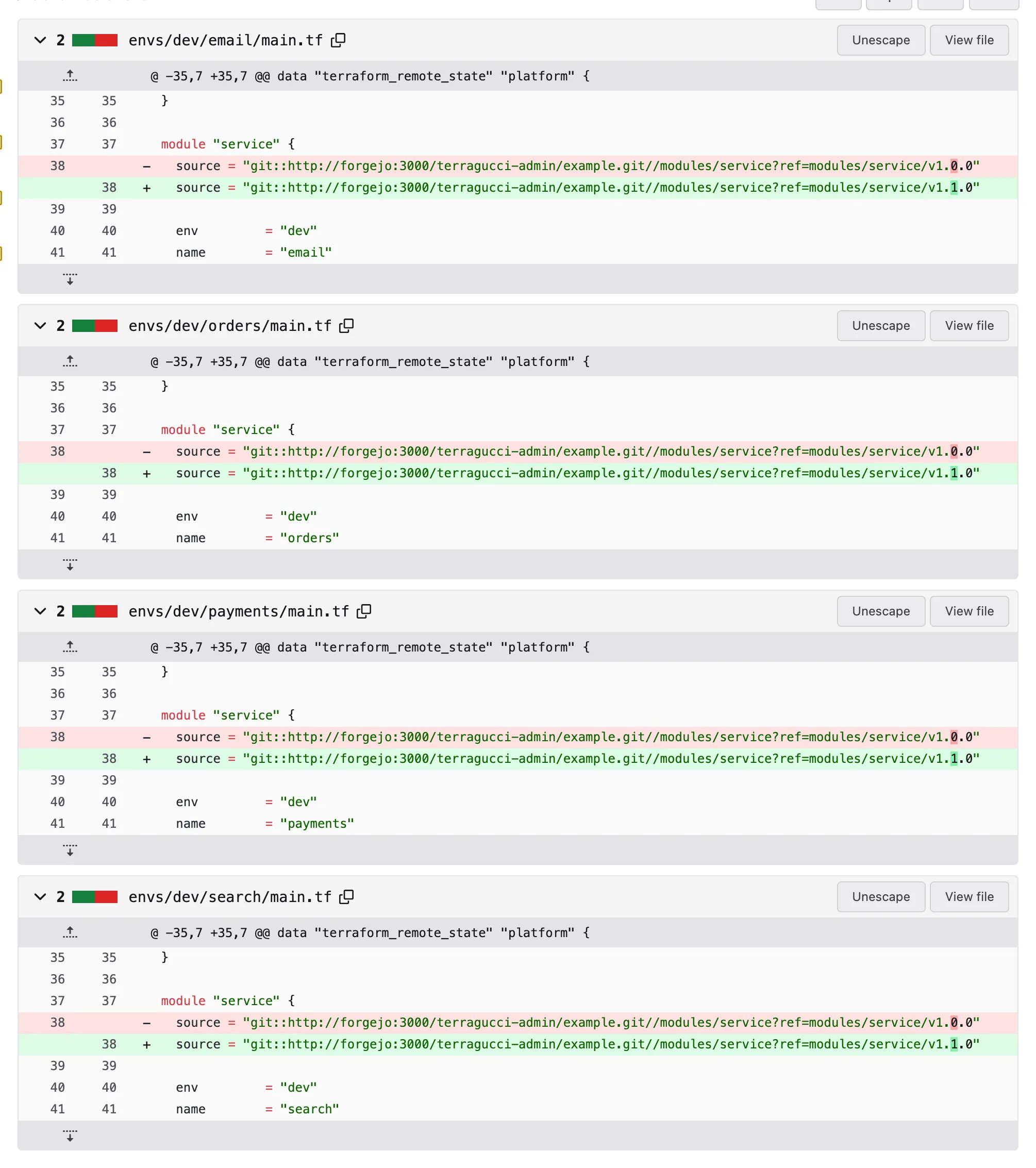
Version Git tag, the roots’ refRoots pinned to it 1.0.0modules/service/v1.0.0every service root whose wave has not merged 1.1.0modules/service/v1.1.0the dev services, once this pull request merges -
Merge it, and let the apply on the merge commit finish.
-
Open the next wave:
Terminal window just example rolloutIt runs the same
terragucci rolloutcommand. Each run takes at most one step, so the next wave opens only once the last has applied.
Publish your modules adds the publish job, and Roll out a new module version has every step.
Tutorial step 7 of 11.

These docs count page views and clicks with PostHog. They set no cookies, store nothing in your browser, and send nothing when your browser asks not to be tracked.